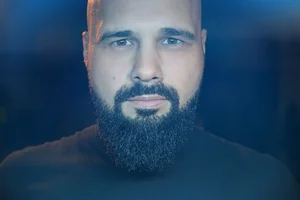
If you love the look of vintage lenses, disposable film cameras, and imperfect, nostalgic images, but don’t love spending hours in Lightroom or Photoshop, the Walkingway Retro Filter might be exactly what you’re looking for. In this review, I’ll break down what this filter does, how it affects both photo and video, who it’s actually for, and why it creates a look that simply can’t be replicated with presets alone.
📖 Table of Contents
What Is the Walkingway Retro Filter?
The Walkingway Retro Filter is a creative camera filter designed to add a strong filmic, vintage character directly in-camera. Unlike neutral filters or subtle diffusion filters, this one intentionally alters how light hits your sensor, affecting sharpness, contrast, color, and flare characteristics. If you’re chasing the aesthetic of 1980s and 1990s disposable film cameras, early vintage lenses, or old cinema glass, this filter delivers that look without needing digital presets or heavy post-processing. Though I will say you can enhance the effect with a good Lr Preset.
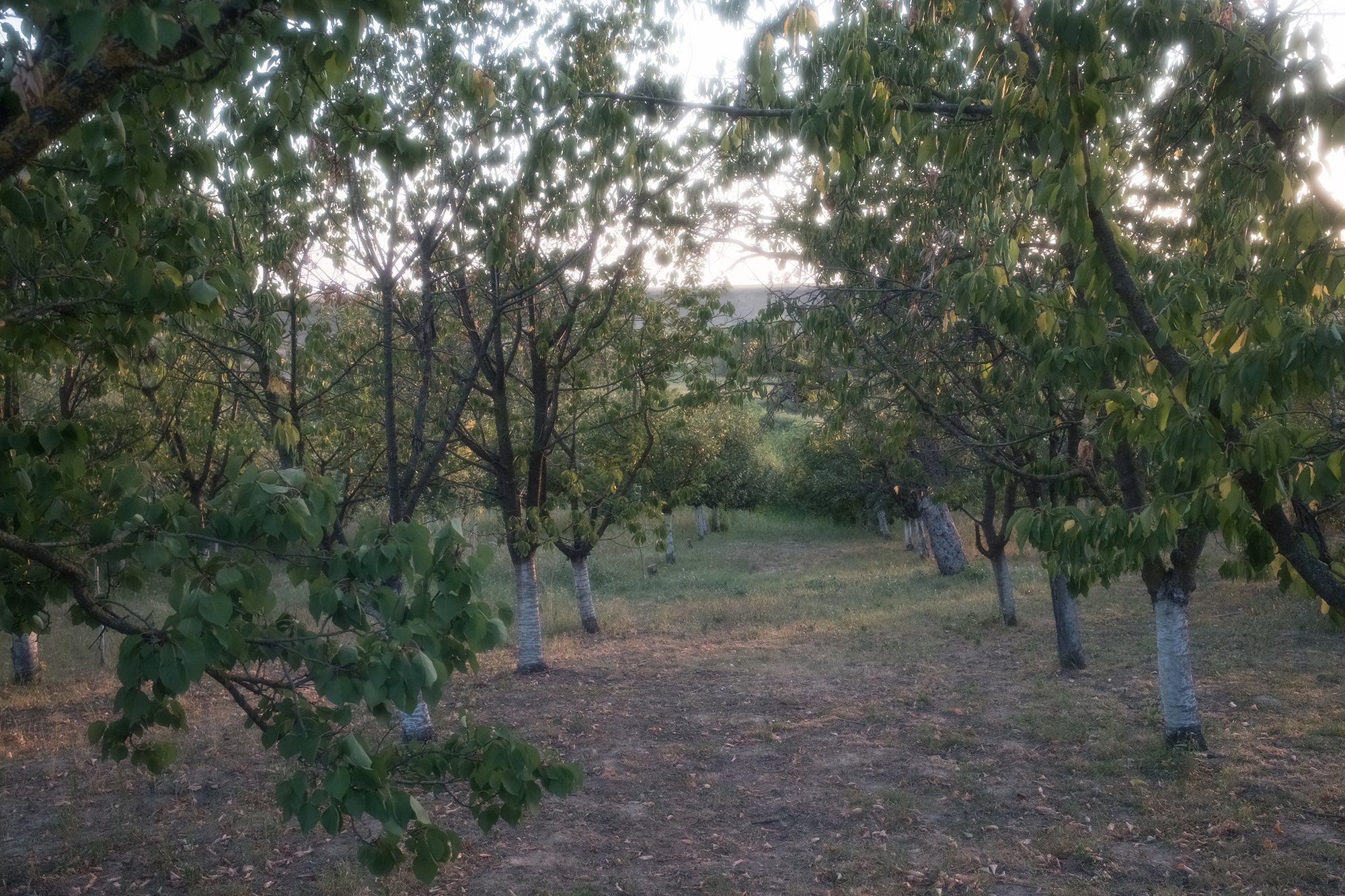
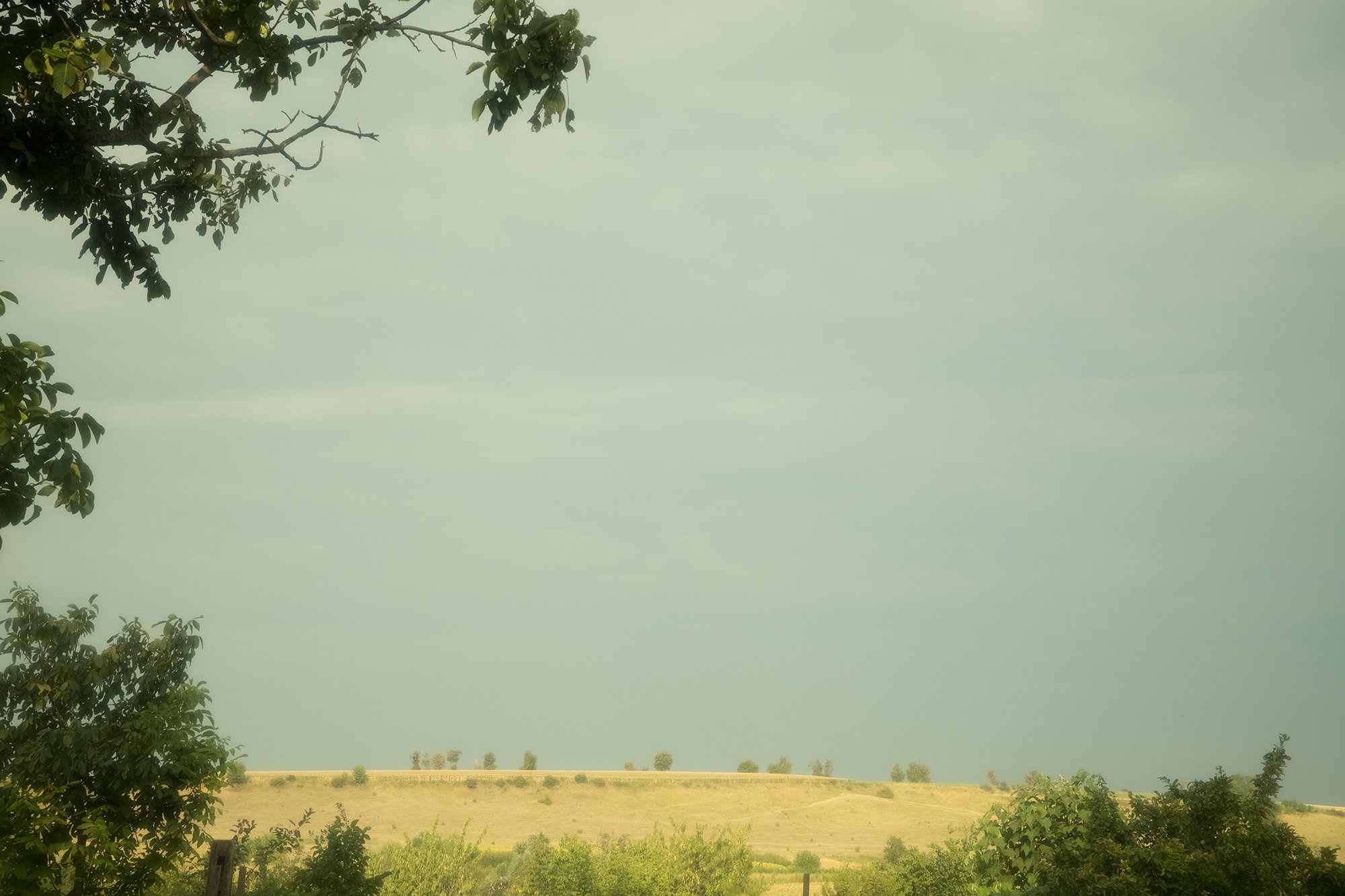
Right out of the box, the Walkingway filter introduces a noticeable yellow-green color shift, especially when shooting with a daylight white balance. Switching to auto white balance helps neutralize this slightly, but the filter always retains a nostalgic, aged feel.
The overall image aesthetic feels:
Warm
Slightly hazy
Soft and imperfect
Strongly reminiscent of film
This is exactly the kind of look many photographers and videographers chase when experimenting with vintage lenses or old film stocks.
Build Quality and Price
The Walkingway Retro Filter features:
An aluminum filter ring
Glass elements with coatings on both sides
While aluminum isn’t the most premium material compared to brass, it’s completely reasonable at this price point. The main thing to be careful of is avoiding bent threads, don’t drop your lens or force the filter on. The best way to get it on and off your lens is with a soft grip.
At the time of writing this blog the filter cost around $27 USD for an 82mm filter. However, i’m updating this blog post because the price has gone up. And yes this filter does come in different sizes.
Optical Effects Created by the Filter
This filter does much more than add warmth. It fundamentally changes how light behaves in your images.
Reduced Sharpness
The filter noticeably reduces image sharpness, even when shooting in high resolution modes like 4K HQ or downsampled 8K. Fine details are softened, which adds to the organic, film-like feel, but also means it’s not ideal for detail-critical work. On the plus side if you’re shooting people it will smooth out skin tones and help hide blemishes.
Blue Flare and Vintage Artifacts
One of the most distinctive characteristics of this filter is the blue flare that appears when a bright light source is behind your subject. This effect is similar to what you’d see in early lenses from the 1930s–1950s such as the Helios-40, when coatings were primitive or nonexistent.
Halation and Glow
Bright highlights develop a noticeable halo or glow, a phenomenon known as halation. This is especially visible around bright light sources such as street lights or bright windows. The effect is very similar to a warming Black Pro-Mist filter, but stronger and more stylized.
Lower Contrast and Skin Tone Benefits
Contrast is reduced across the image, blacks aren’t as deep and whites aren’t as harsh. This can be incredibly flattering for portraits, as it naturally hides blemishes and smooths skin tones without heavy retouching. If you’re not into lower contrast you can always adjust the contrast in post if needed.
Color Shifts and Saturation Changes
The Walkingway filter treats colors differently:
Warm colors (yellows, reds, oranges, browns) gain saturation
Cool colors (blues and some greens) are slightly desaturated
This contributes heavily to the retro aesthetic but also means skies are rarely a deep blue unless you’re shooting in ideal conditions. I found that you can control the color shift quite a bit if you adjust the white balance in your camera. I suggest manually changing your kelvin temperature till you find a look that is pleasing to you.
Real-World Photo Examples and Use Cases
In real-world shooting scenarios, the filter excels when used creatively:
Sunsets become atmospheric and cinematic
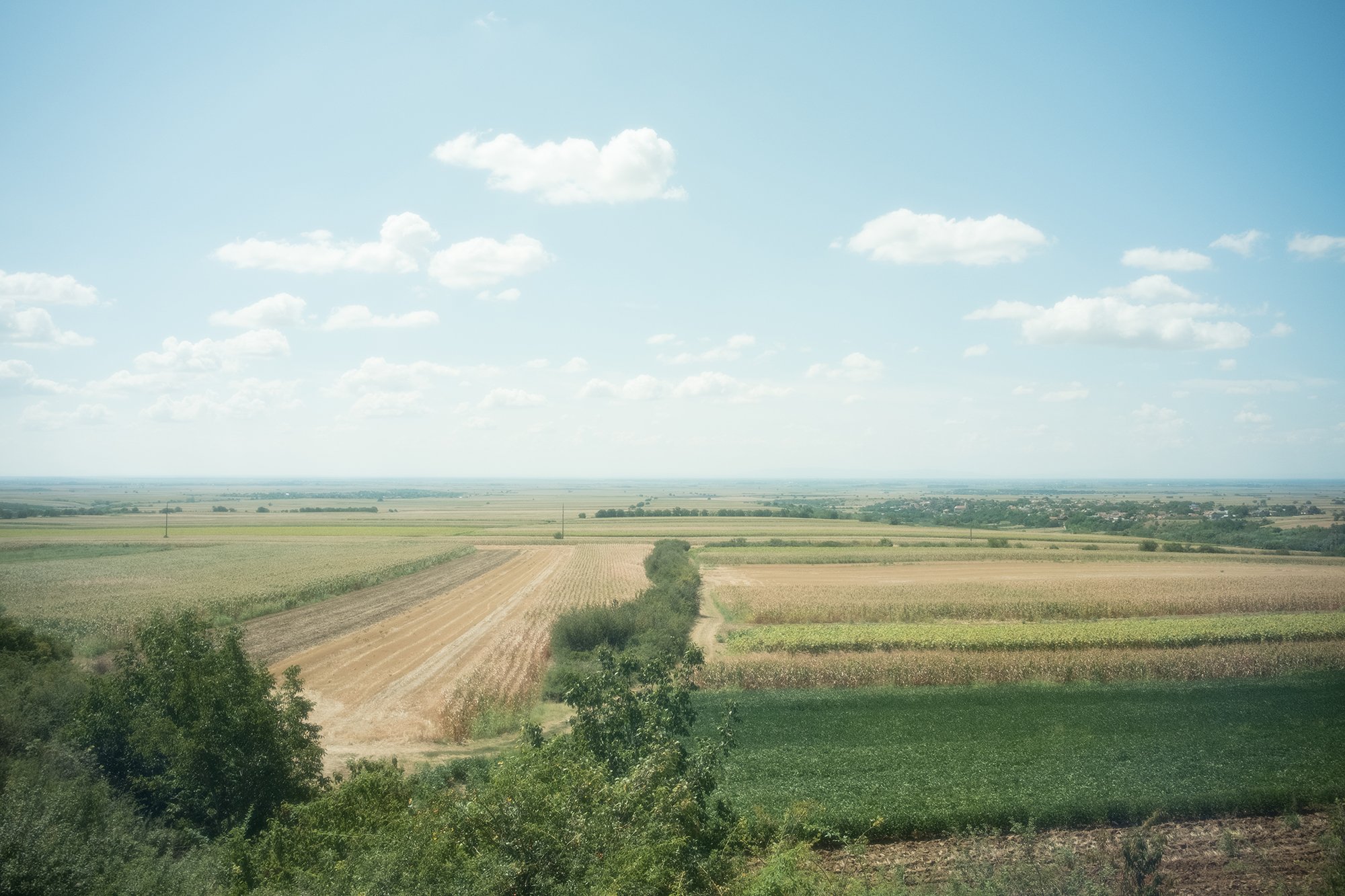
Landscapes gain glow but lose fine texture
Urban scenes feel surreal and nostalgic
Backlit subjects showcase flare and halation beautifully
However, scenes with lots of fine detail, like trees, roofing tiles, or distant cityscapes, can become too soft, losing texture and clarity.
Sample Photos











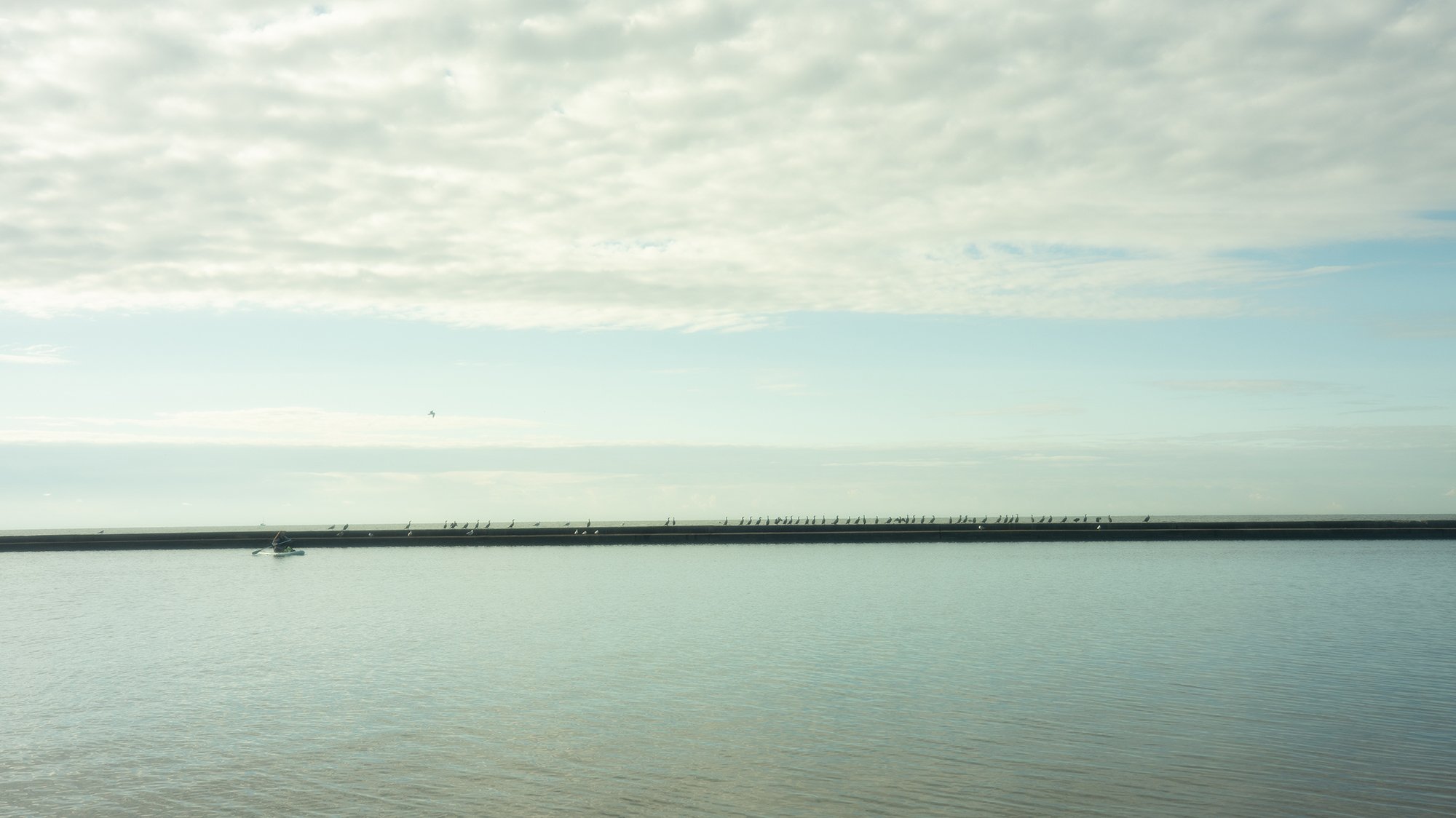


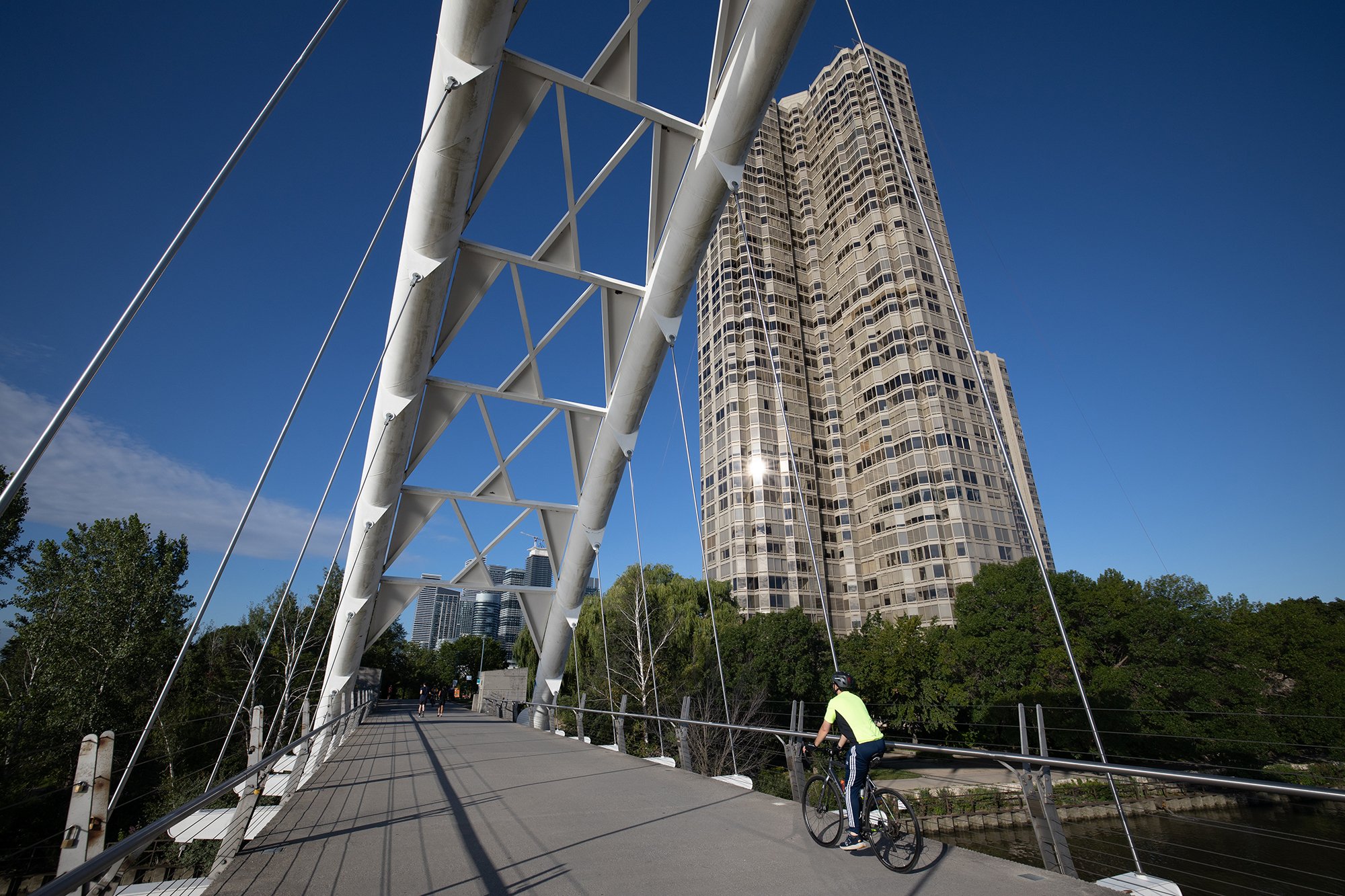


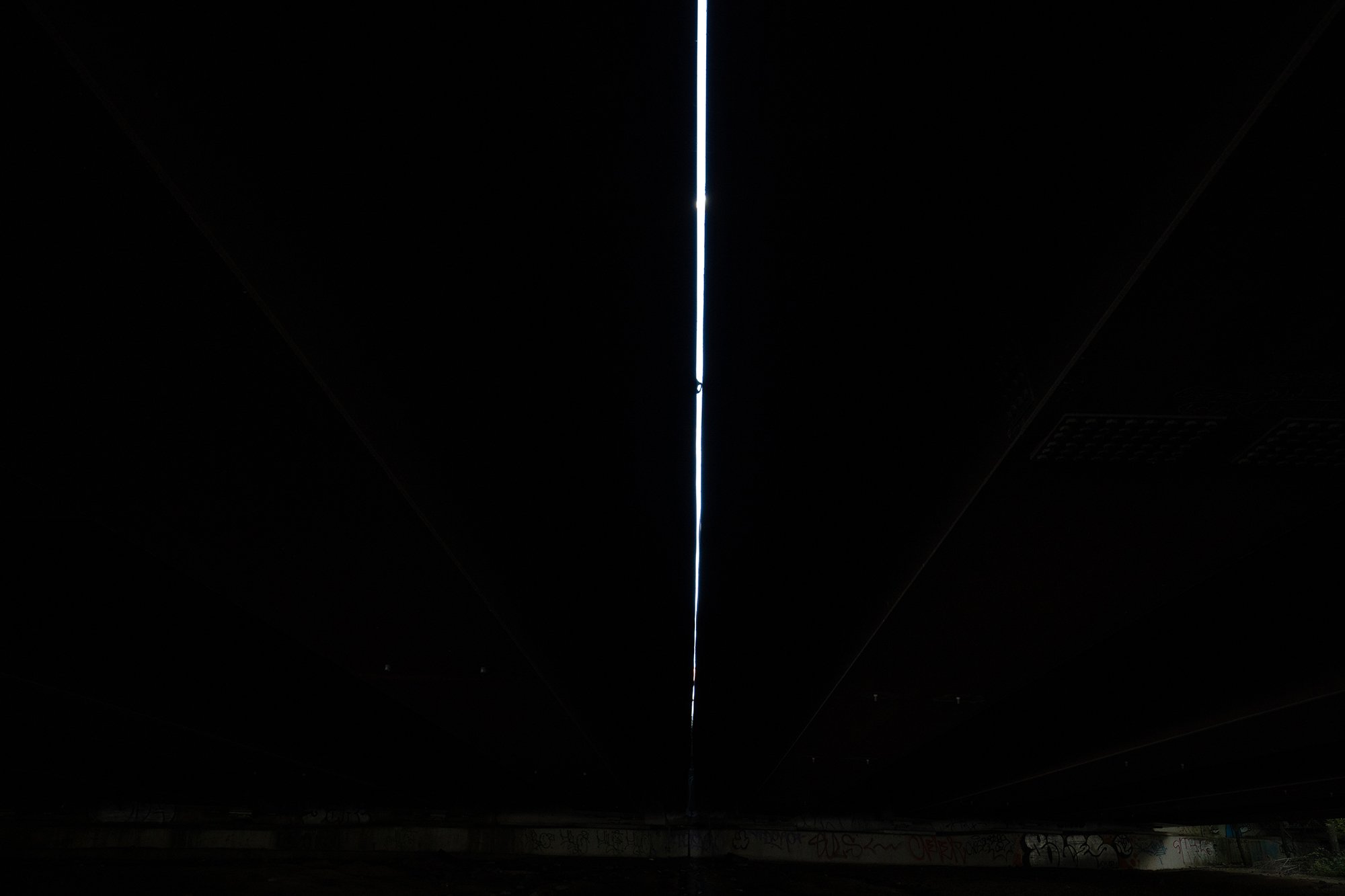

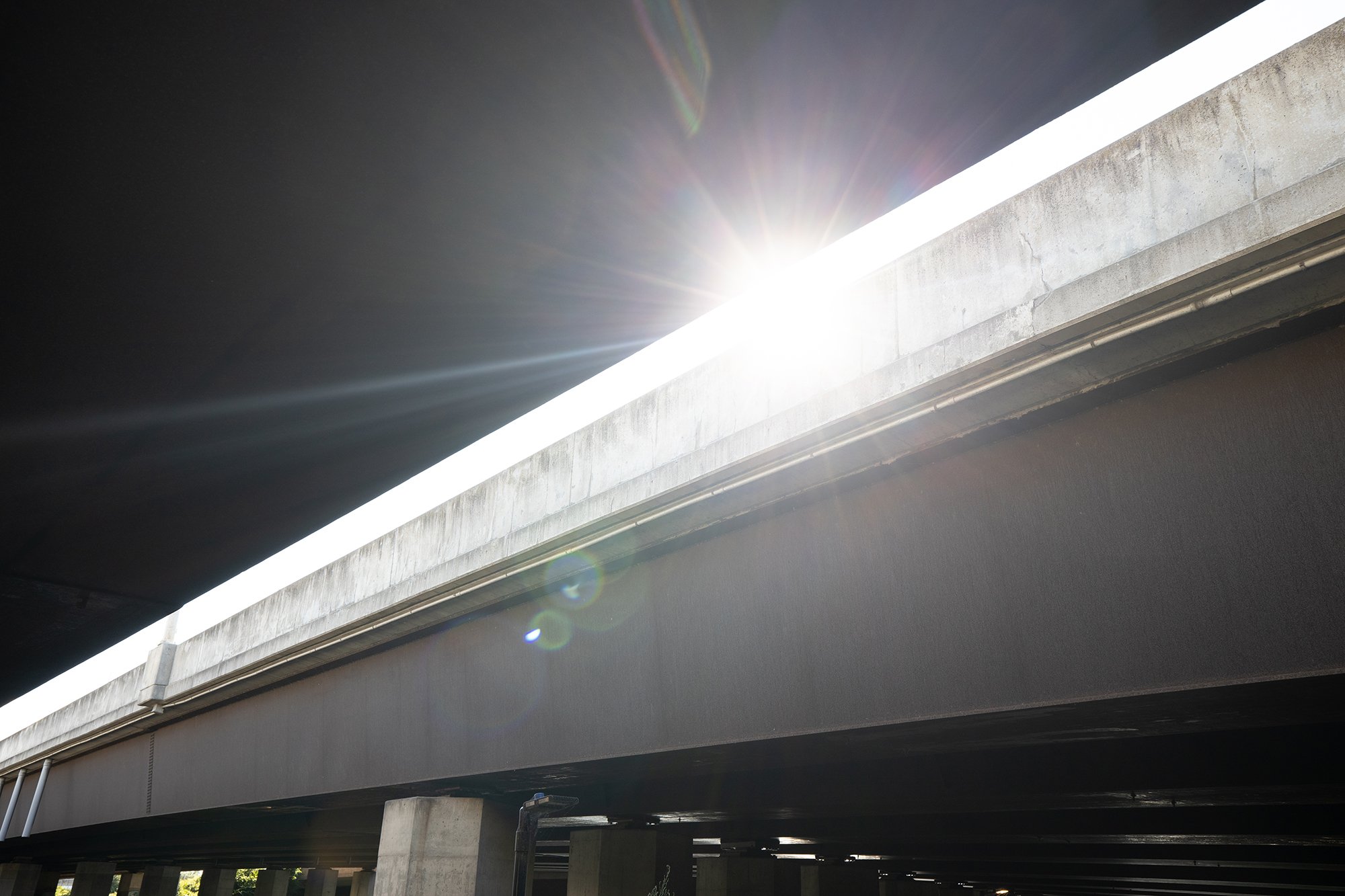


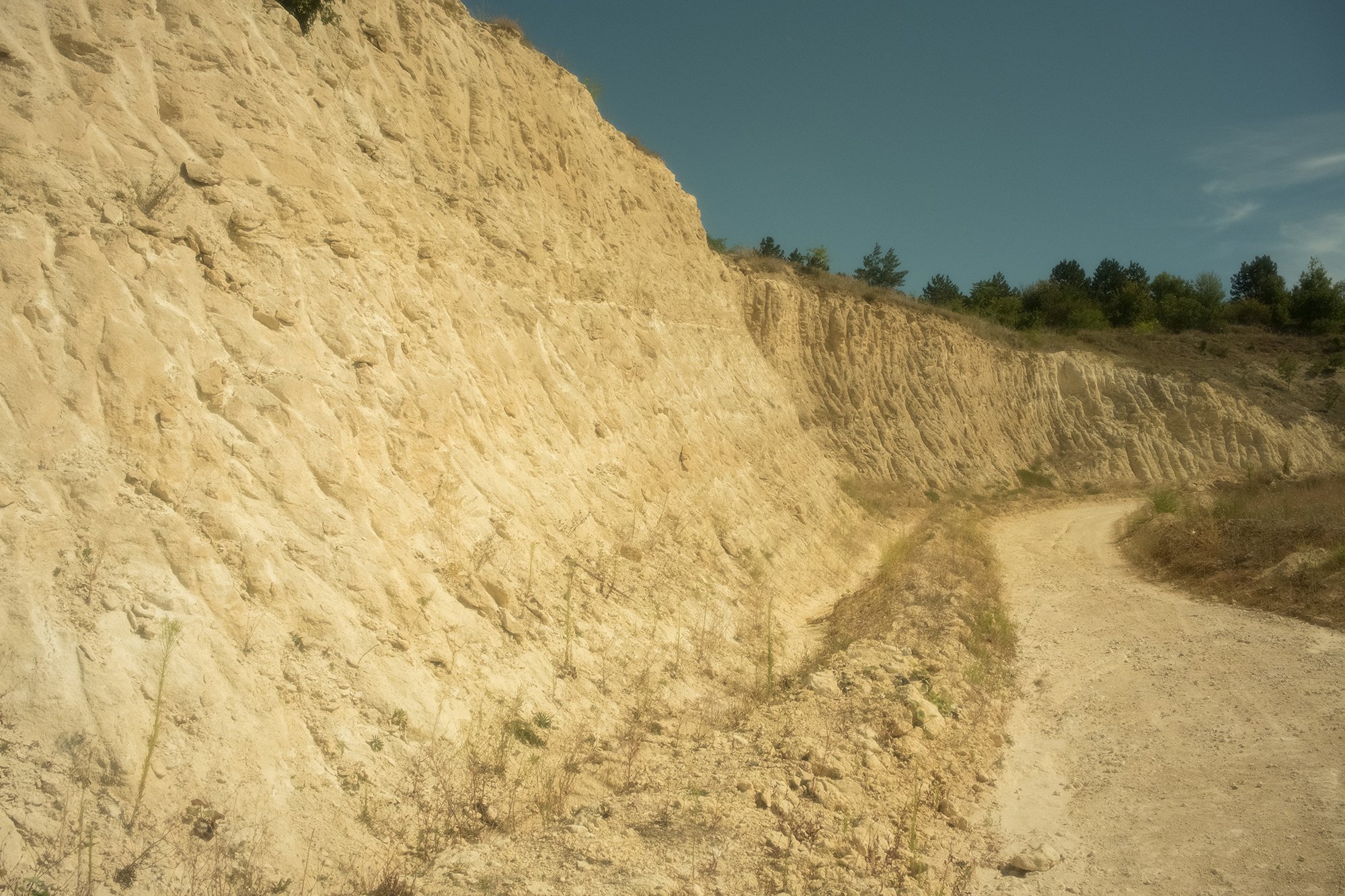

How the Filter Performs After Editing
Straight out of camera, images often appear yellow-green and hazy which can be cool if that’s what you’re going for. But once you start editing, this filter truly shines. With minor adjustments in Lightroom or Capture One:
Images take on a true disposable film look
Colors become expressive and organic
The character added by the filter becomes impossible to fake digitally
This is the key advantage of this filter. The filter augments the light before it hits the sensor thus creating data that presets alone can’t replicate. And once you add a preset to the image you get something truly unique.
Common Limitations and Things to Watch For
There are a few quirks to be aware of:
Distant objects can become overly soft
Skies may appear washed out
Occasional uneven color shifts can occur at ultra-wide focal lengths
Strong flare may overwhelm certain compositions
These aren’t flaws, think of them more as creative traits that can be used to your advantage when going after that vintage look.
Who This Filter Is (and Is Not) For
This filter is for you if:
You love retro, filmic aesthetics
You shoot artistic photo or video projects
You want a one-filter solution for a unique look
You’re building a portfolio that stands out
This filter is not for you if:
You shoot commercial or product work
Color accuracy is critical
You need maximum sharpness and clarity
Pro Tip: Choosing the Right Filter Size
Buy the filter for the largest diameter lens you own and use step-up rings for smaller lenses. This approach saves money, prevents vignetting on wide-angle lenses which is a huge bonus and lets you use one filter across multiple lenses. Personally I try to get all my filters in an 82mm filter thread because I know I can mount them on just about every lens I own.
Final Thoughts on the Walkingway Retro Filter
The Walkingway Retro Filter isn’t subtle and that’s the point. It delivers a bold, nostalgic, film-inspired look that can’t be recreated in post alone. For photographers and videographers looking to differentiate their work, embrace imperfection, and inject real character into their images, this filter offers tremendous value. If retro visuals, vintage lenses, and disposable film aesthetics excite you, the Walkingway Retro Filter might just become one of your favorite creative tools.
Walkingway Retro Soft Filter on Amazon https://amzn.to/3SWqQdH
Walkingway webpage https://walkingwayfoto.com/en-ca/products/walkingway-multi-coated-retro-soft-filter
🚀 EQUIPMENT USED TO MAKE THIS VIDEO
Canon EOS R5 - https://amzn.to/3snWNve
DJI Osmo Pocket 3 - https://amzn.to/3W1bas7
Fujifilm X100vi - https://amzn.to/3VlWLWy
Canon RF 15-35mm f2.8 L IS USM - https://amzn.to/32fkIma
Fujifilm WCL X100 II - https://amzn.to/3yW85Qh
⭐Walkingway Retro Soft Filter https://amzn.to/3SWqQdH
Zhiyun Molus X60 - https://amzn.to/3TJo4JK
Zhuyun Molus B500 - https://amzn.to/3ynuk1w
Sennheiser AVX MKE2 LAV - https://amzn.to/3x6VtTk
Blue Yeti USB Mic - https://amzn.to/3e5txUX